



Product Upload Training: Photos (Part 1)

These are the conditions you must meet to show the products on your e-commerce site on Google, and they significantly increase sales. If you do not comply with these conditions, your product will not stand out. This affects the number of visitors and your sales.
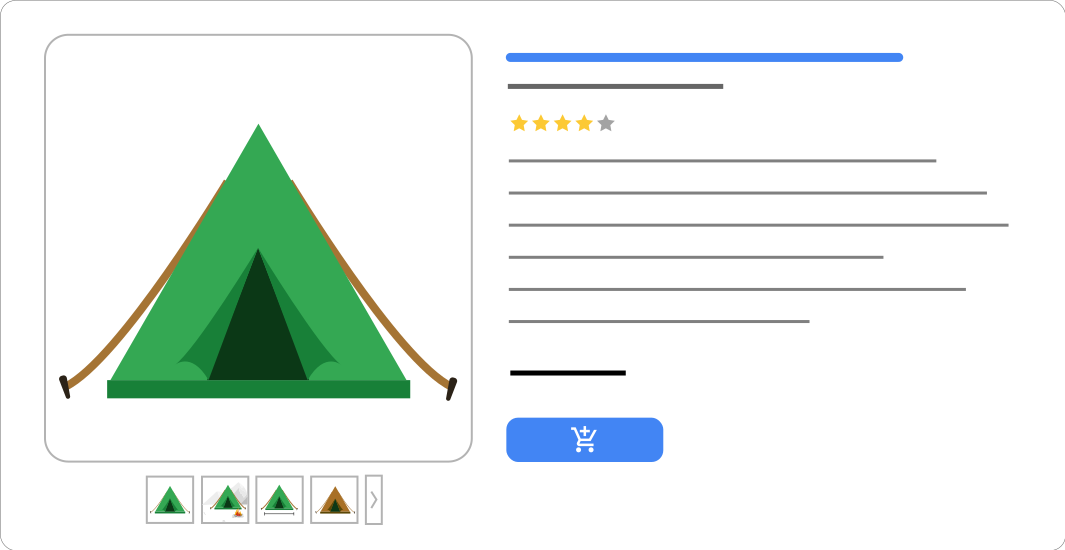


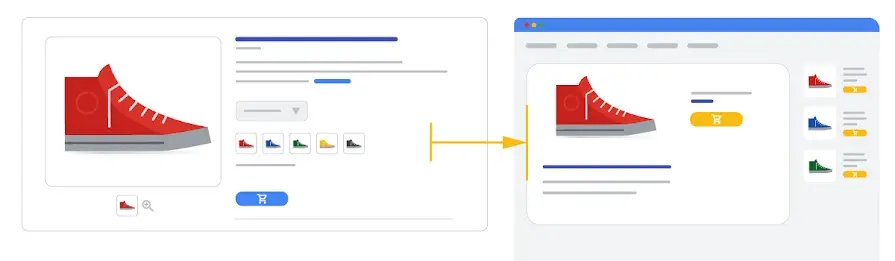
This is a warning: for color-based variants, show only 1 variant. Do not use an image that shows several variants.
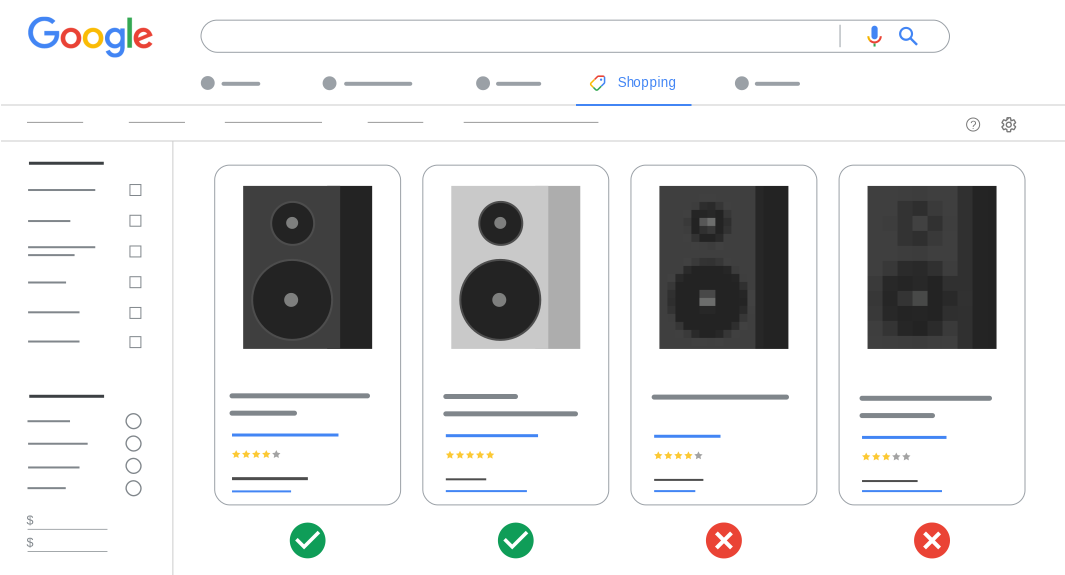
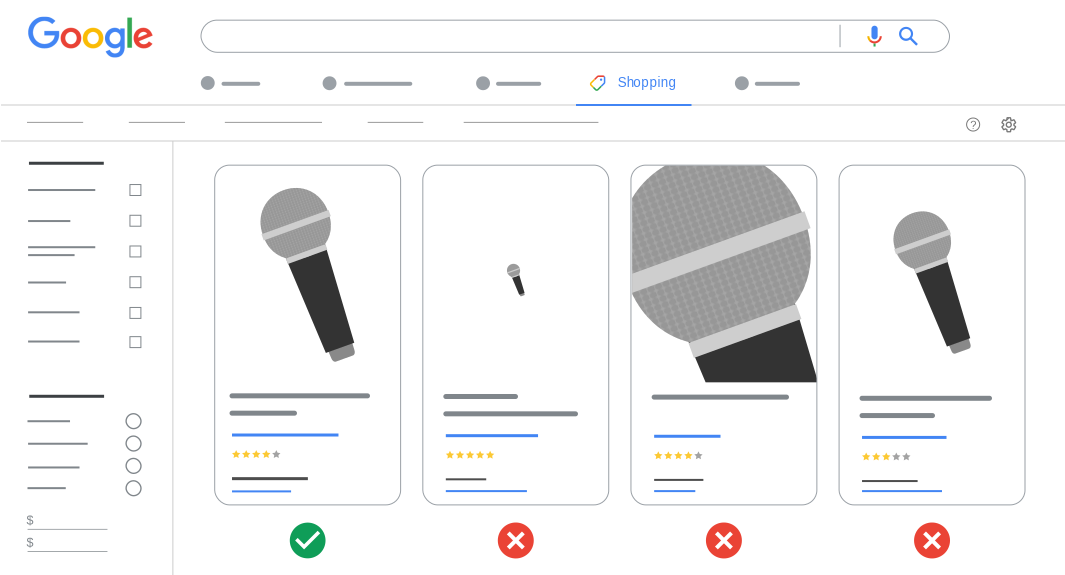
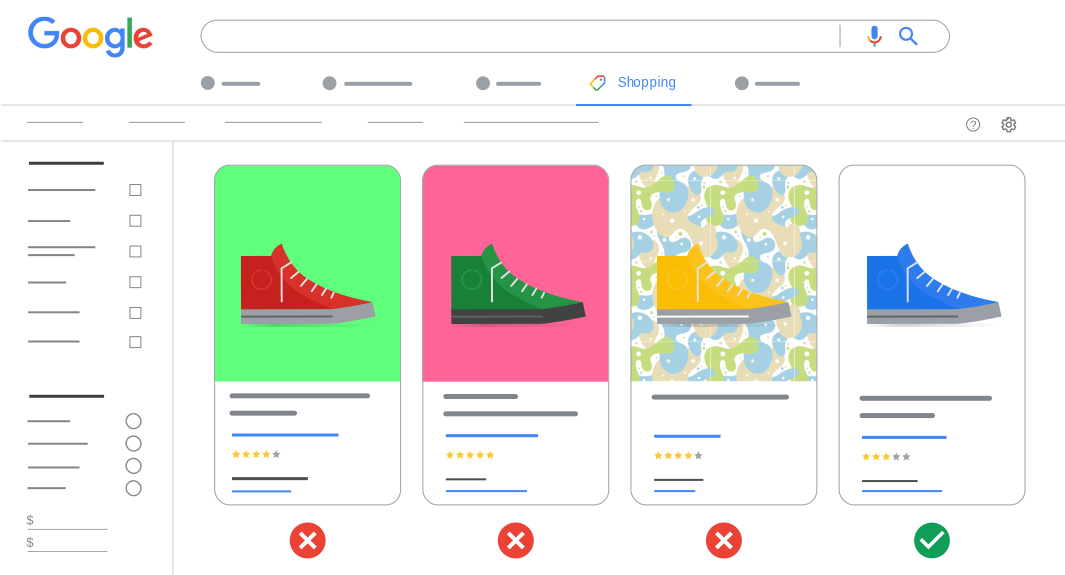
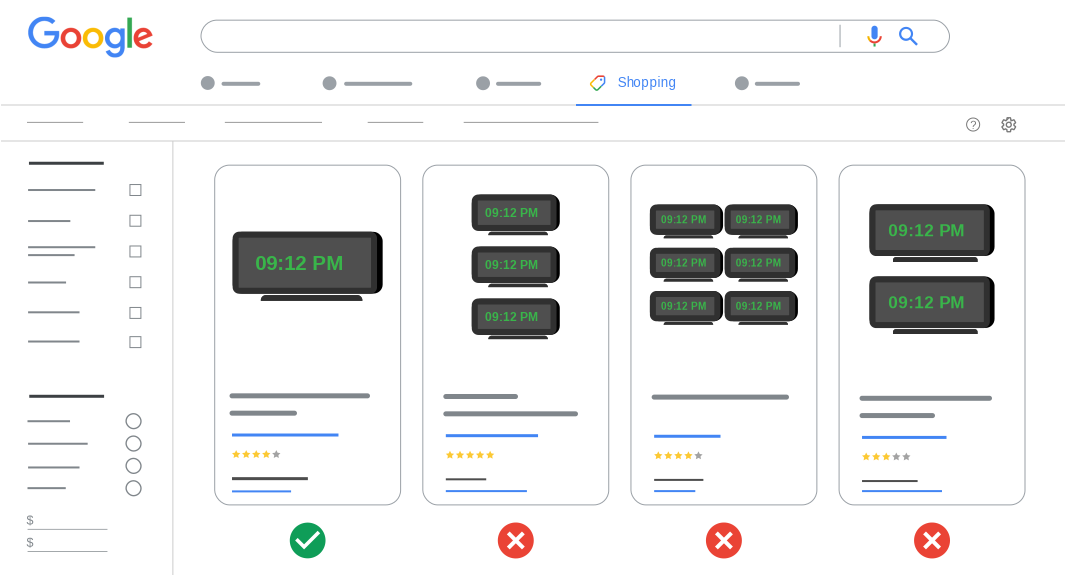

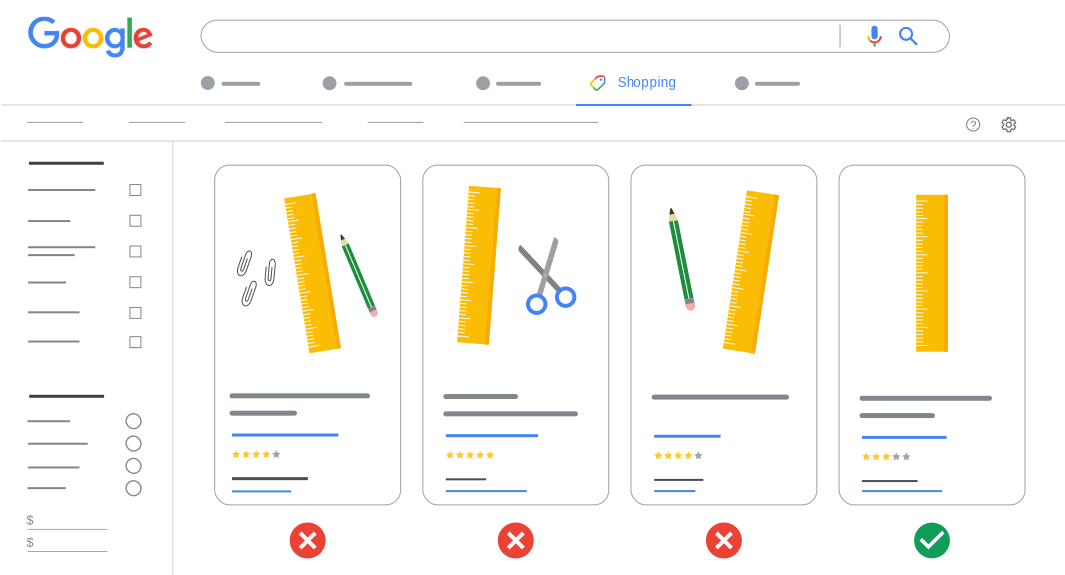
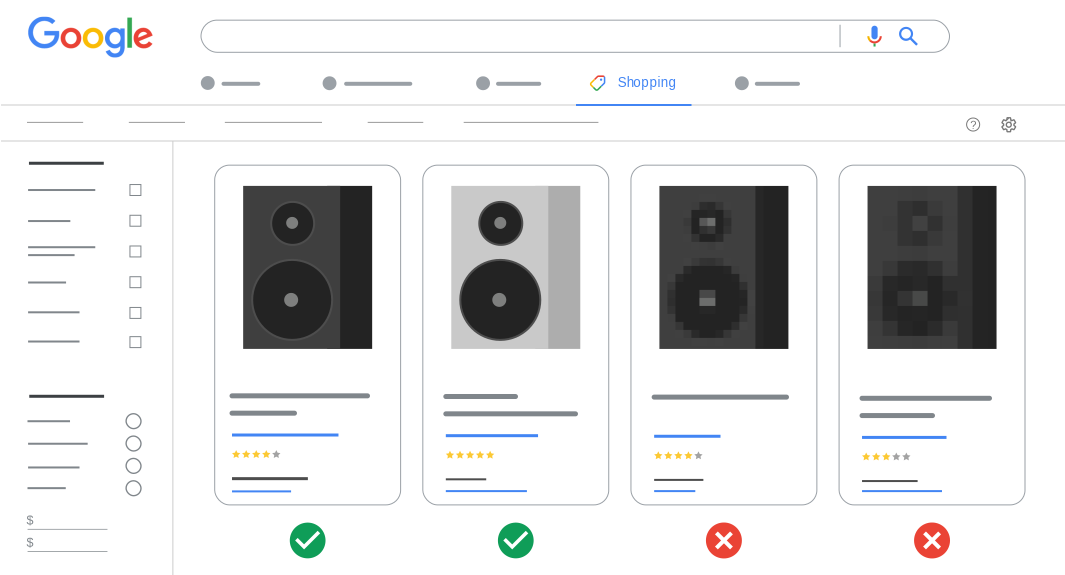
Image Rules
Apply these rules to make sure your image meets our requirements and is optimized for the best performance.
Minimum requirements
These are the conditions you must meet to show your product on Google. If you do not meet these conditions, your product will be rejected. This is reported to you on the Diagnostics page of your Manufacturer Center account.
Image size requirements to be met:
- At least 1024 x 1024 pixels
- Image resolution: maximum 64 megapixels
- Image file size: maximum 5 MB
The result will be a high-quality image that shows your product in the best possible way. You can find an example below showing why we do not accept images that do not meet this requirement:
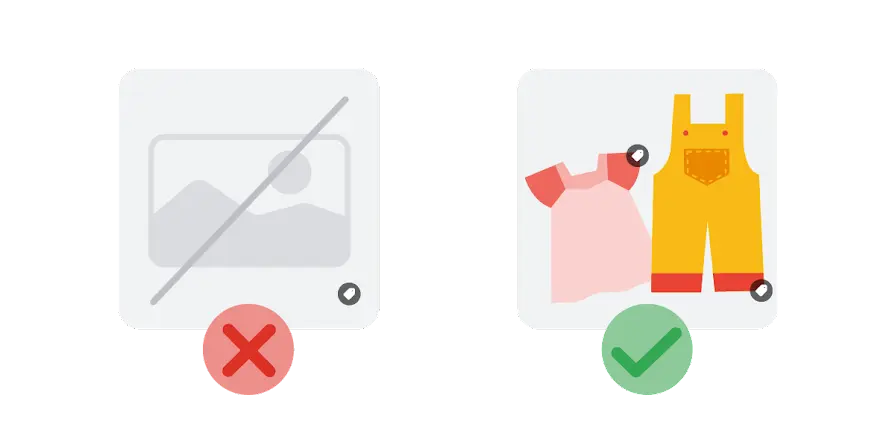
- Show all products correctly, and use objects that help display the product to a minimum or not at all.
- Do not use a generic picture, graphic or visual that is not a real photo of the collection.
- Do not use a logo or icon instead of a real photo of the collection.
- Do not use a placeholder or an image that does not show all the products in your collection. Placeholders do not allow customers to clearly see the product they are buying.
Do not use promotional elements or images with overlaid content. A few examples of promotional elements are: calls to action (e.g. “Buy now” or “On sale”), information about services such as extended warranties
- Free shipping
- Price information
- Promotional adjectives (e.g. “best” or “cheap”)
- Condition or compatibility (e.g. “new”, “2 pieces” or “adaptable”)
- Any overlay (e.g. watermarks, brand names or logos)
- Brand, manufacturer, retailer name or logo
- Free shipping, same-day shipping and similar

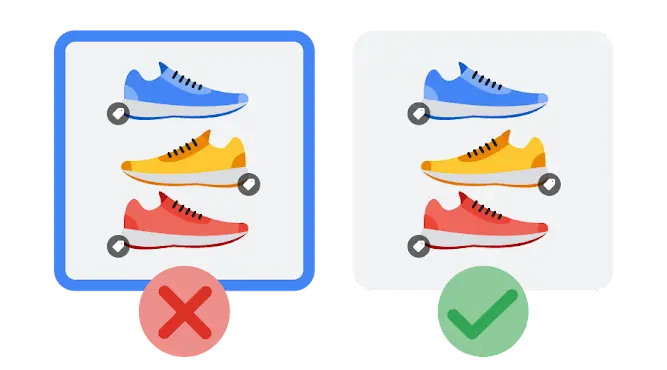
Do not use an image with a frame. This helps ensure your image is displayed smoothly alongside different design elements.
Best practices
These best practices can help you go beyond the basic requirements for optimizing your product data for performance.
Use an image that clearly shows the main products in the collection.


Get the best performance by using the highest quality images. Send a full-size, highest-resolution picture of your product, up to 64 megapixels and 16 MB in file size.
Do not enlarge an image or send a small image.
Keep in mind that we may automatically crop your image while trying the best display options. The purpose of cropping is to better focus the image on the products in the collection.
Image Conditions
- Use an accepted format: non-animated GIF (.gif), JPEG (.jpg/.jpeg), PNG (.png), BMP (.bmp) and TIFF (.tif/.tiff)
- Send an image no larger than 64 megapixels and a file no larger than 5 MB.
- Do not add promotional text, watermarks, padding or borders.
- Do not send a placeholder or a generic image.
Best practices
These best practices can help you go beyond the basic requirements for optimizing your product data for performance.
eticaretteyim Yönetici
We create easy-to-follow guides for store owners on e-commerce, hosting and business email.
Was this post helpful?
Comments
No comments yet. Be the first to comment.
Leave a comment
Comments are published after approval. Your email address is never shown on the site.
Related posts

Why Your Business Needs an E-commerce Website
Why do you need an e-commerce website? Discover how an online store can grow your sales, reach customers around the world and strengthen you...

Things to Know Before Starting E-commerce
Before you open an online store, you need to plan your target audience, products, marketplaces, payments, logistics, competition and legal r...

What Is Influencer Marketing? What Is It Used For?
Ante faucibus etiam posuere sagittis id eu aliquam tortor. Nunc semper pulvinar sollicitudin amet lectus leo.

Why Is Competitor Analysis Important in E-Commerce?
Competitor analysis helps e-commerce businesses understand rivals' strengths, weaknesses and strategies, so they can plan their own growth w...