
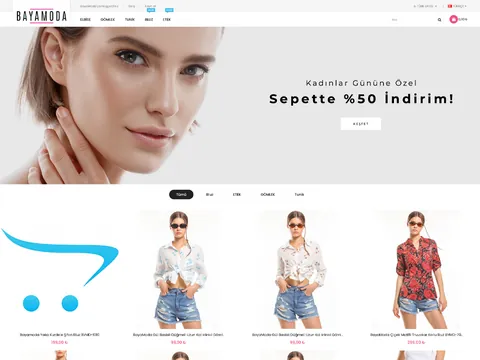
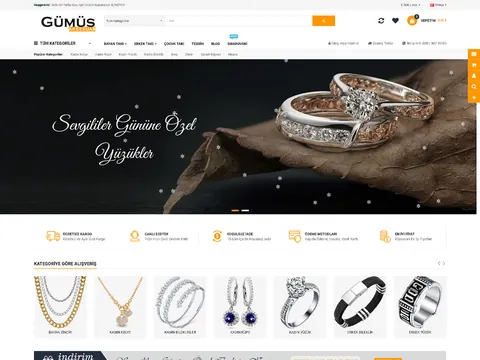
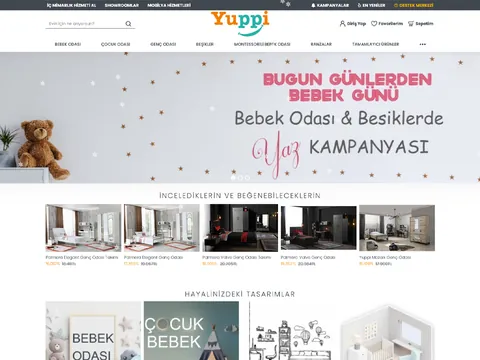
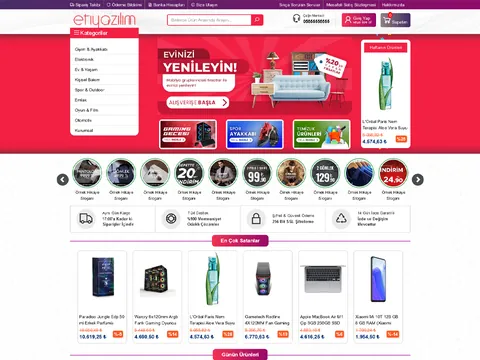

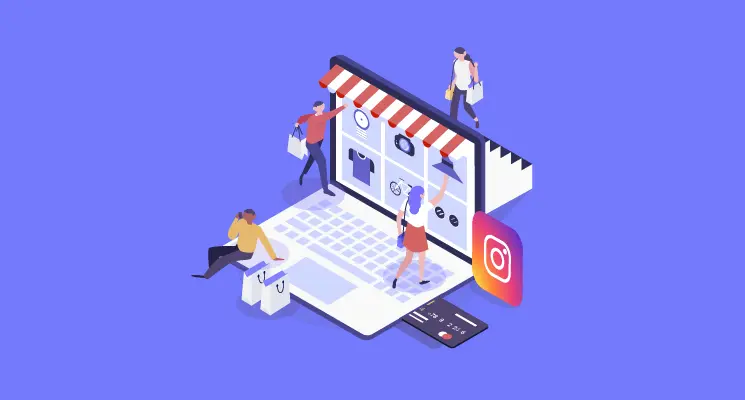
Instagram Shop Module
You can follow the 18 steps below to install it;
1- https://developers.facebook.com/ Log in to this address to start the setup.
2- https://developers.facebook.com/apps/ On the apps screen, click the Add a New App button and give the app you are creating a name in the pop-up window that appears.
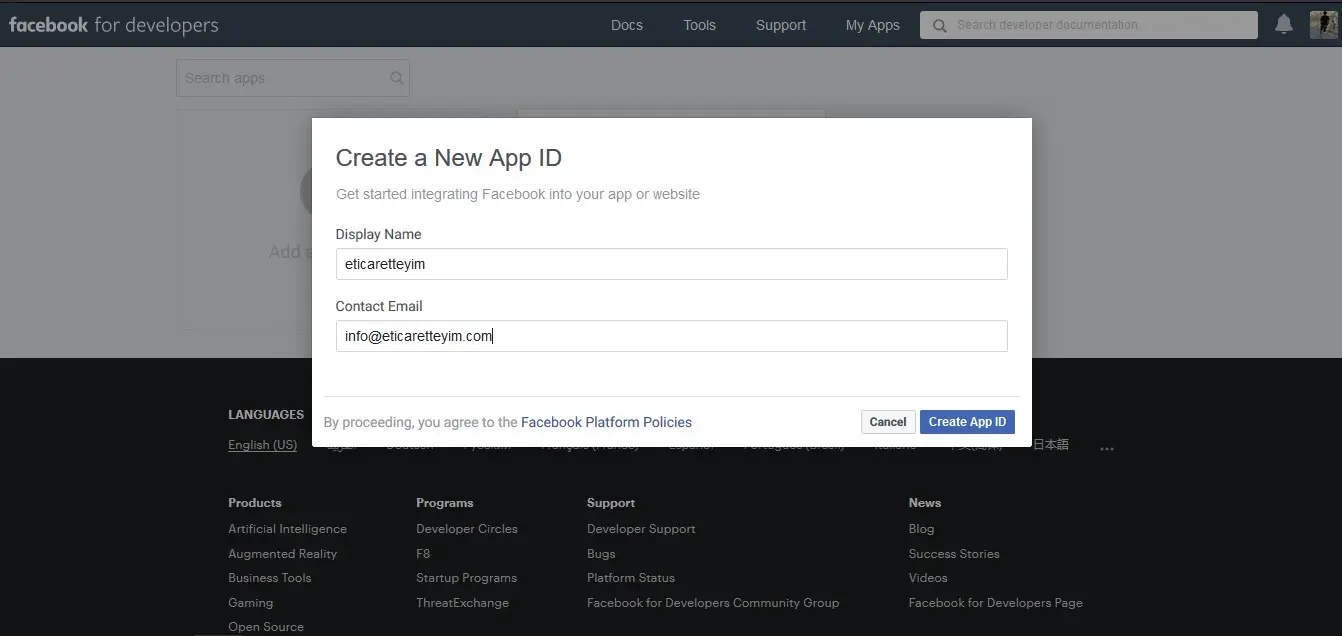
3- After creating the app, you must add a product.
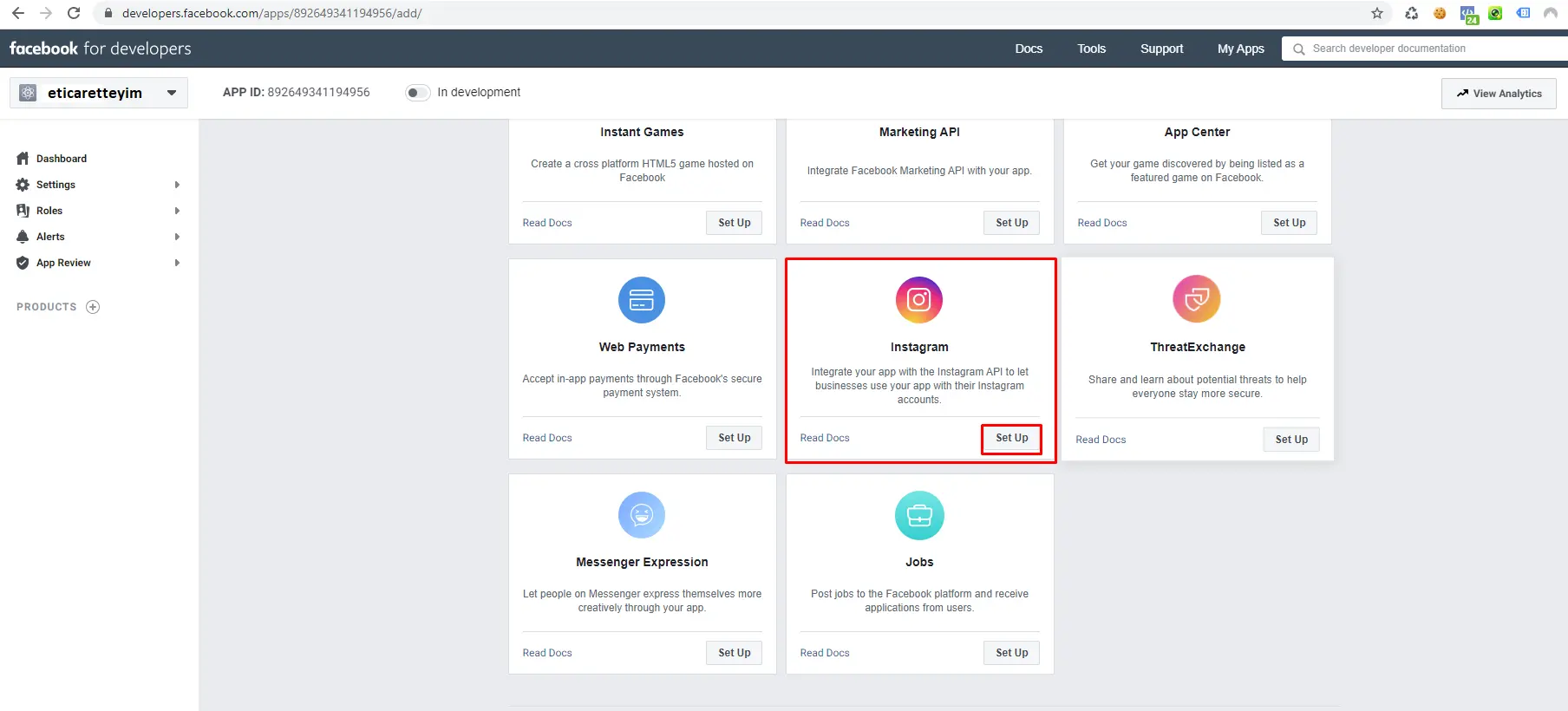
To do this, after clicking Create App ID, you must set up the Instagram product on the page you are redirected to.
As in the screenshot, select Instagram and click the Set Up button.
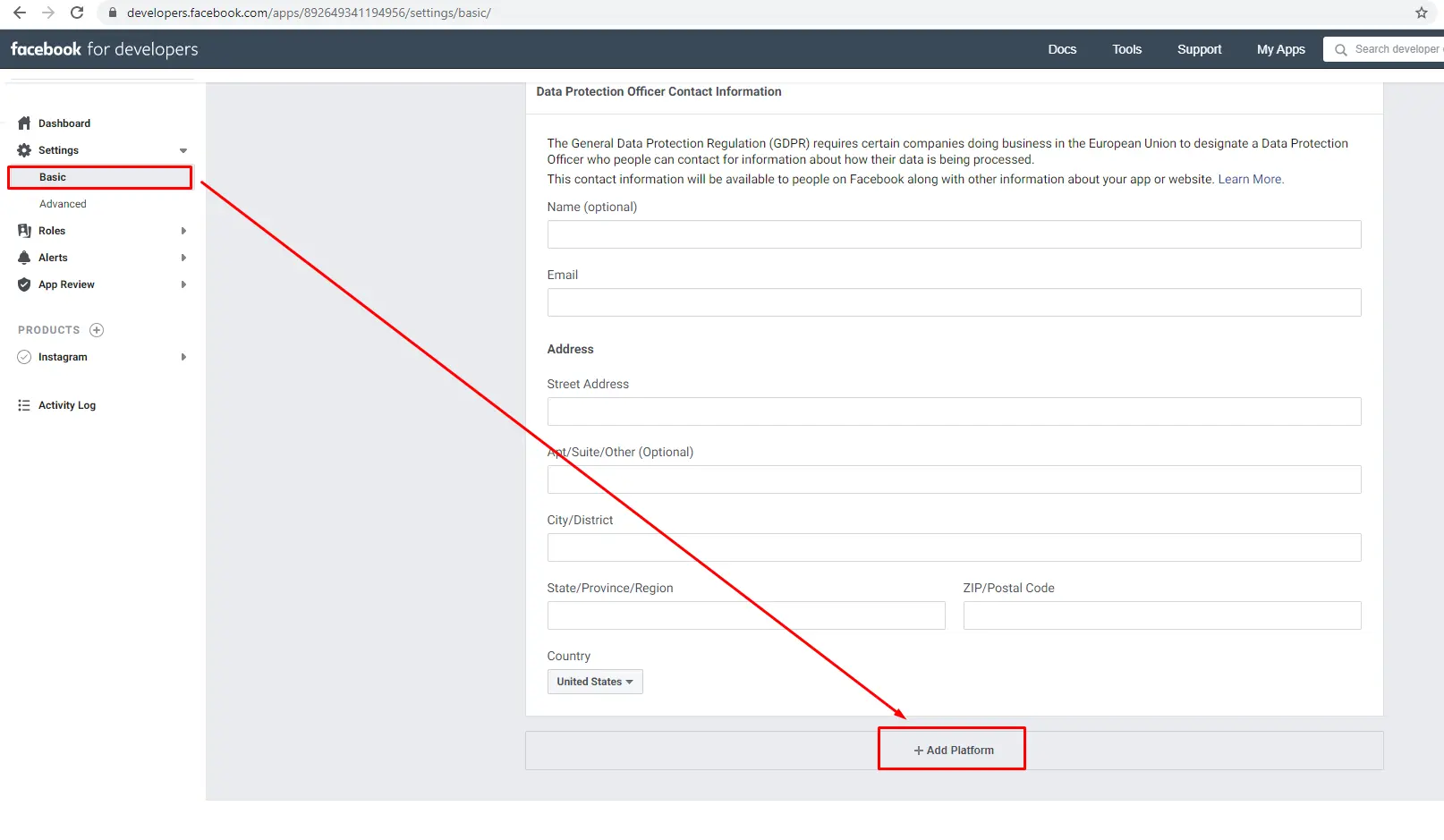
4- After this step, on the page you are redirected to, go to Settings > Basic from the left-hand menu and add a platform.
On the page that opens, as in the screenshot, click the Add Platform button.
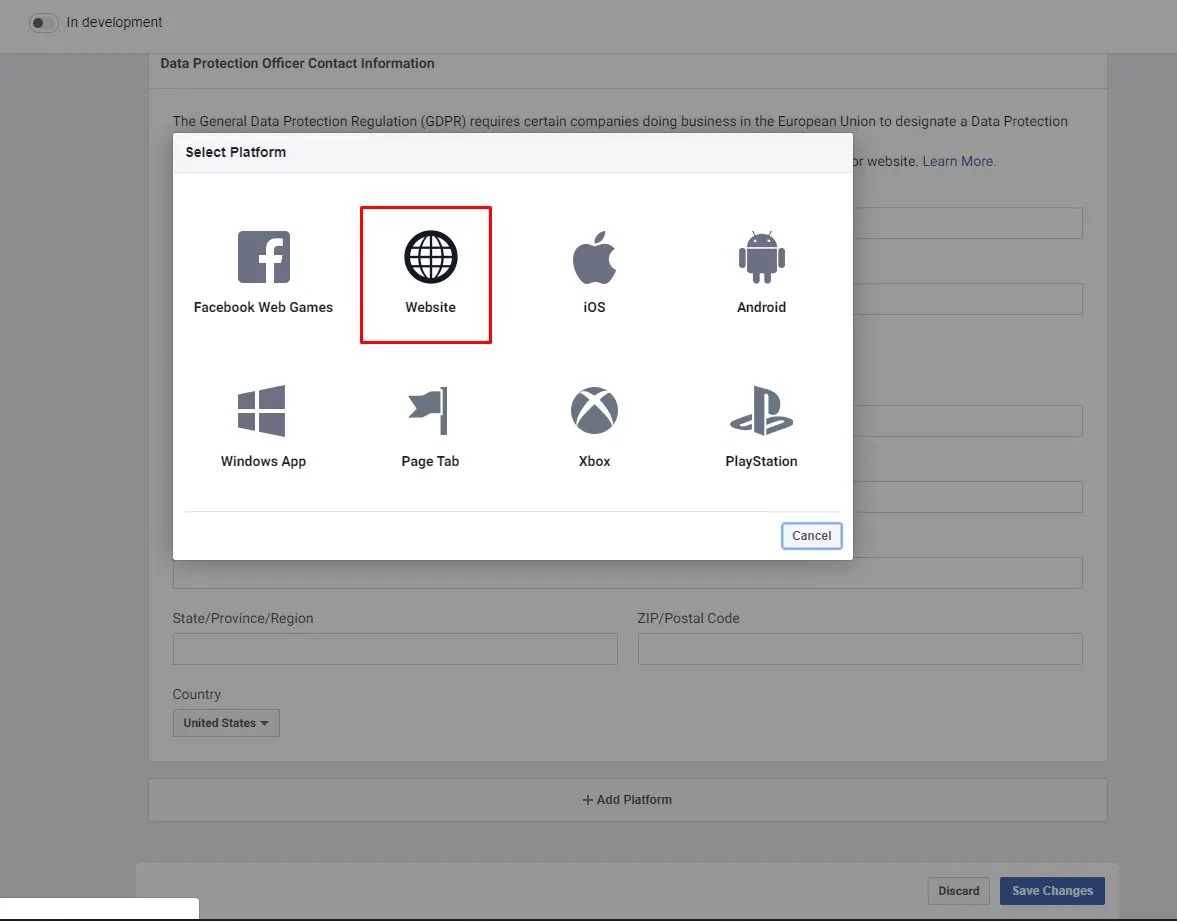
5- In the pop-up that opens, select Website and a text field opens for you to enter your domain name.
After entering your domain name, you can save the page by clicking the Save Changes button.
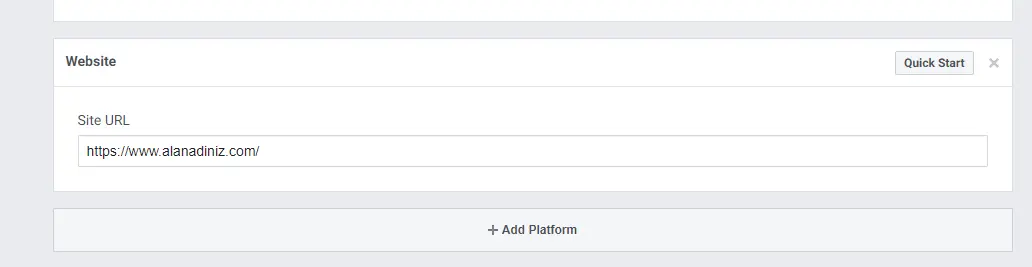
6- After adding the platform, go to Instagram > Basic Display from the left-hand menu to create the Instagram app. To do this, click the Create New App button.
In the pop-up that opens, fill in the app name field and click the Create App button.
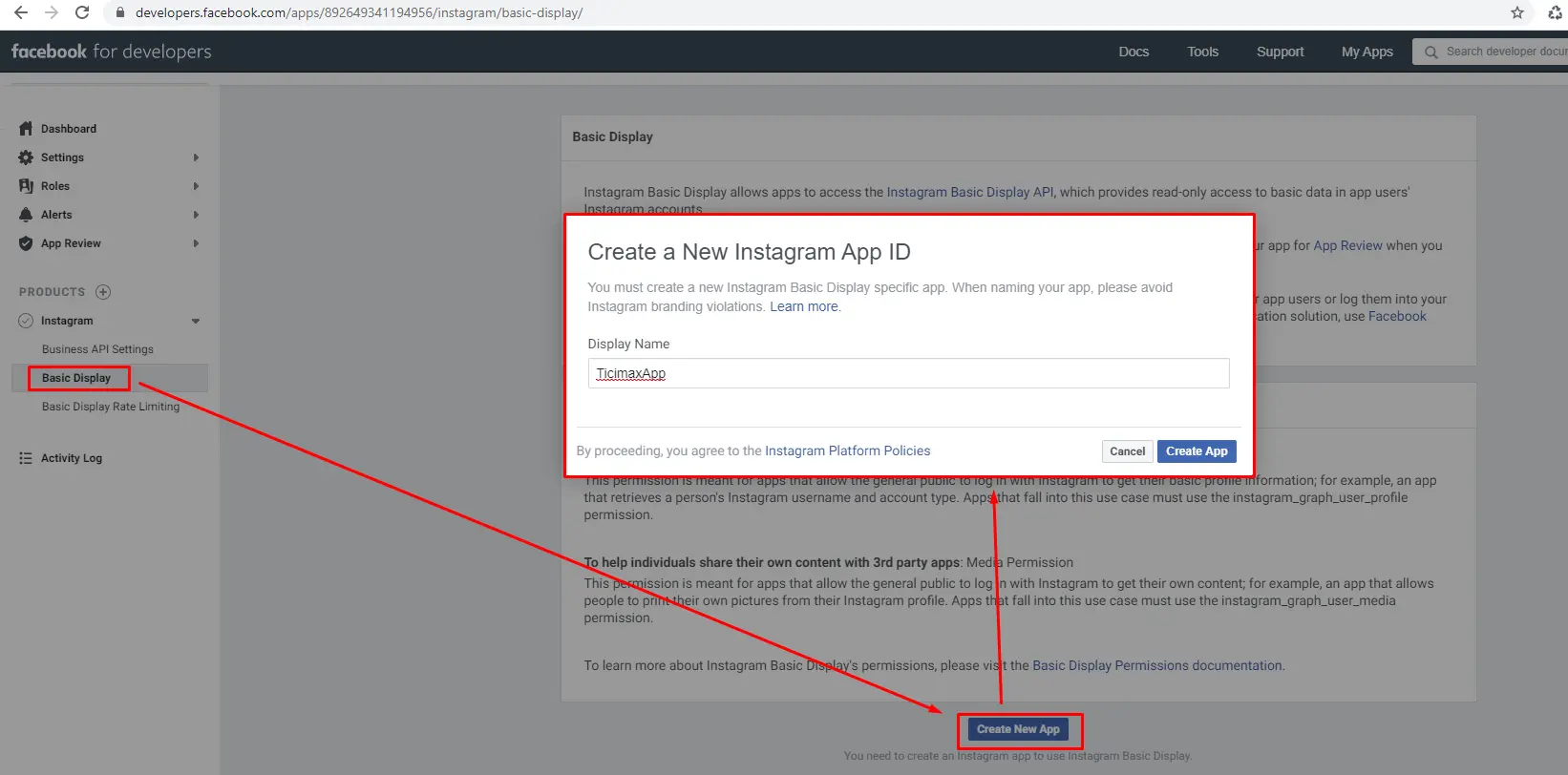
7- Now that we have created the Instagram app, we can see your Instagram App ID and Instagram Secret ID. To set up InstaShop, you can enter the URL information from your e-commerce site's admin panel at: siteniz com/admin/index.php?route=extension/module/instagram_gallery&user_token=LFegJvj9FMduqwqv2RAbx2kh5Txsz2o6
This was tested on the mini combin and the result was successful.
https://www.eticaretteyim.com/instagram-eticaret-social-media-marketing-1/
eticaretteyim Yönetici
We create easy-to-follow guides for store owners on e-commerce, hosting and business email.
Was this post helpful?
Comments
No comments yet. Be the first to comment.
Leave a comment
Comments are published after approval. Your email address is never shown on the site.
Related posts
How to Start an E-Commerce Business? (Step-by-Step Guide)
Selling on the internet has become one of the areas that interests not only big companies but also individual entrepreneurs, small businesse...

E-commerce Sales Boosting Tips
Selling online has become very important today. Many people, business owners and entrepreneurs want to bring their products to customers onl...

Best E-commerce Packages and Prices
E-commerce is a rapidly growing sector that allows businesses to sell their products and services online. For e-commerce, which keeps develo...

What Is Live Chat and Why Does It Matter?
On-site live chat: what it is and why it matters. Live chat programs and live support…